
Examples of work agentic AI can automate 3 of 7
Investigation and response to security risks affecting your systems
This hypothetical example begins with an update notice for a library used to display attachments in an internal portal. The notice describes a possibility that one user could see another user's attachments. The team checks whether its use is affected, then obtains separate approvals for testing the update and applying it to the live system.

Attachment display library: security update notice

Hello system administrators,
Thank you for using the attachment display library. We have released a security update for the attachment display feature.
With the affected versions and settings, a user may be able to view another user's attachments.
Please check the following to assess whether your system is affected:
- The library version currently running
- Whether the attachment display feature is in use
- The paths and settings through which users access attachment display
If your system is affected, please consider updating after checking the change in a test environment.
This notice does not establish that any particular system is affected or that information has been exposed. Please reply to this email if you have questions.
Kind regards, Library Maintenance Team
Assess the impact and test before changing the live system
An update notice does not make a live update an immediate next step. The team needs to check whether it uses the affected version and feature, then confirm that normal work and access permissions still function after the change.
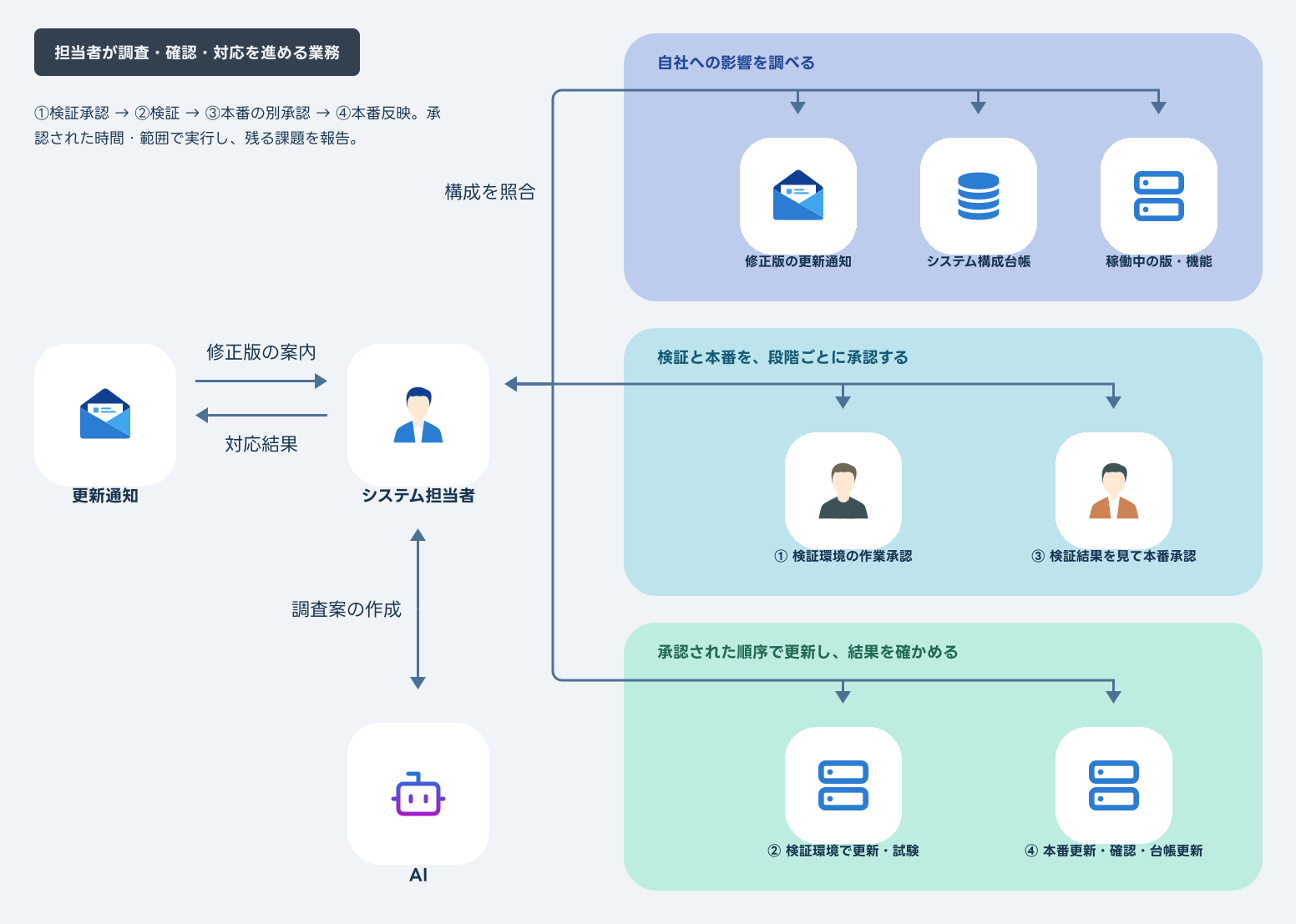
The coordinator reads the update notice and compares the configuration record with the running system. Outdated records or unclear usage require confirmation from the person responsible for the system.
If action is needed, the coordinator tests the update in a separate environment and checks normal attachment display and access permissions. The owner reviews the results before approving the live update. Checks are repeated after that update, and the configuration and work records are revised.
The work extends beyond reading the notice: staff must track usage checks, test results, approvals and verification after the live update.
When an AI agent investigates, tests and carries out approved updates
In this example, the agent compares information it is permitted to read and presents its findings and test plan in Teams. The owner first approves work in the test environment, then reviews the results before making a separate decision on the live update.
 Microsoft Teams
The agent handles permitted investigation, test planning, approved updates and checks, and record keeping. The owner decides whether action is needed in light of its business impact and separately approves testing and the live update.
Unknowns, missing permissions, failed tests and failed updates are reported as incomplete. Changed conditions pause the work for review. Restoring the previous version follows the approved conditions and procedure, but may leave the security issue unresolved. Remaining risks and unverified items are reported to the owner.
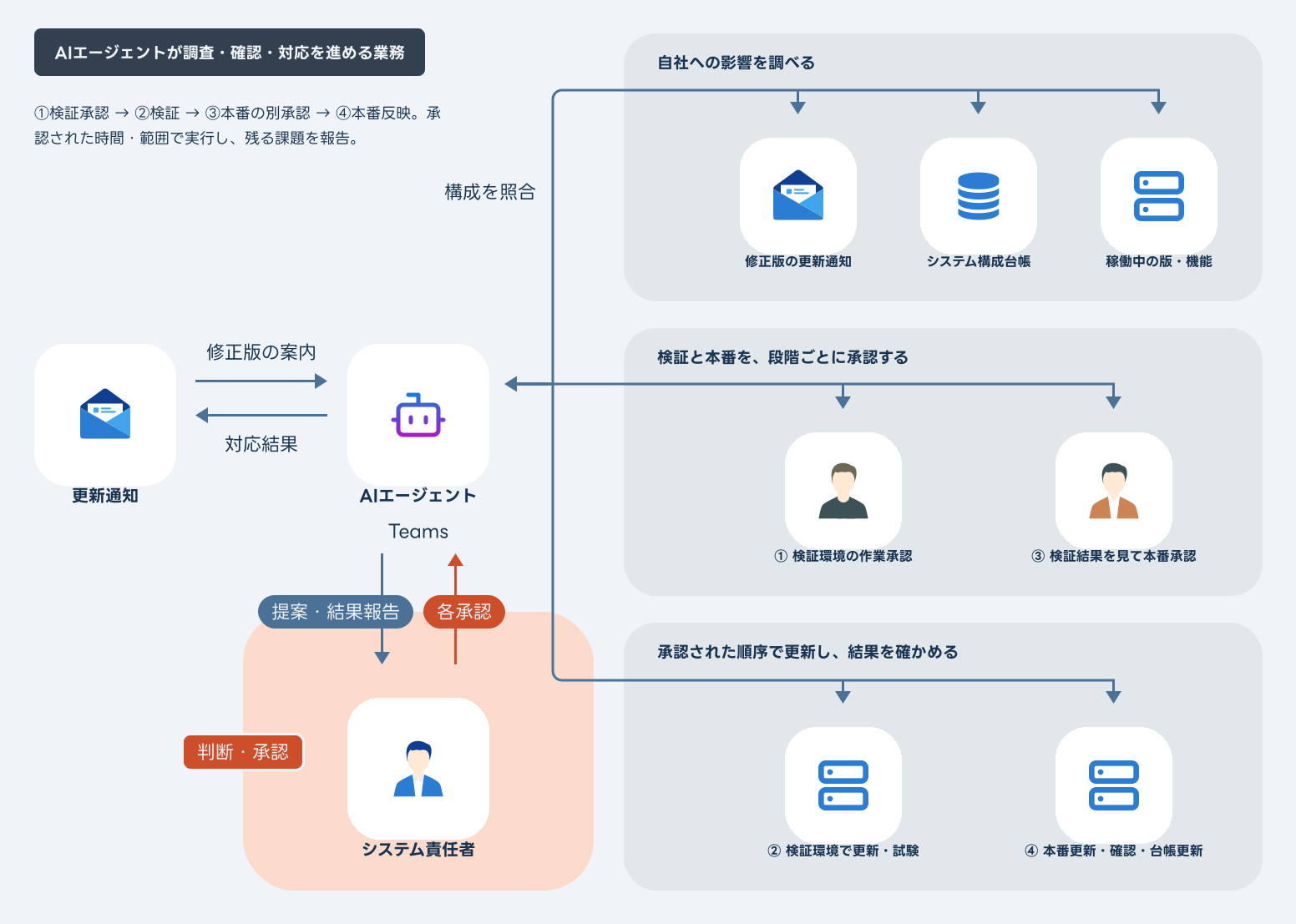
Report unknowns, missing permissions, failed tests or updates, and residual risk after rollback to the owner as incomplete work
Business events and how an AI agent responds
From an update notice to missing information or failed tests, these examples show how the response changes as the work progresses.

AI agent
Detects a trigger and starts the work


-
What starts the work
An update notice arrives
A fix is available for the attachment display library.
What people receive
Impact assessment prepared
I checked the version and feature in use. Please review the findings and proposed test update.
-
What starts the work
The record and running version differ
The running version does not match the configuration record.
What people receive
Differences referred for review
I listed the differences and what I could verify. The update is on hold while unknowns are resolved.
-
What starts the work
Test work is approved
Carry out the proposed update and checks in the test environment.
What people receive
Results and a live plan prepared
I completed the approved checks. The live system is unchanged. Please review the results and live update plan.
-
What starts the work
An attachment fails to display in testing
After the update, an attachment that should be visible does not display.
What people receive
The problem is reported before release
I recorded the failed check and its results. The live update is on hold pending a decision.
-
What starts the work
The live update plan is approved
Update and check the live system within the specified window and conditions.
What people receive
Results and records reported
I applied the approved update and checked operation and access permissions. The configuration and work records are updated.
-
What starts the work
A check fails after the live update
One of the approved checks did not pass.
What people receive
The approved recovery procedure is used
I restored the previous version under the approved conditions. The work remains incomplete; I am reporting the results and remaining risk.
Bring together the information needed to decide, update and verify
Connect the external notice with actual usage, and carry the work through assessment, testing and verification after the update.
The owner uses the evidence and test results to judge business impact and timing. The agent handles the work and records within that approved scope.
Start with one system and one type of update. Review missed information, pending approvals and unverified items before deciding how much work to delegate.
Talk about your workflowExplore other use cases
View more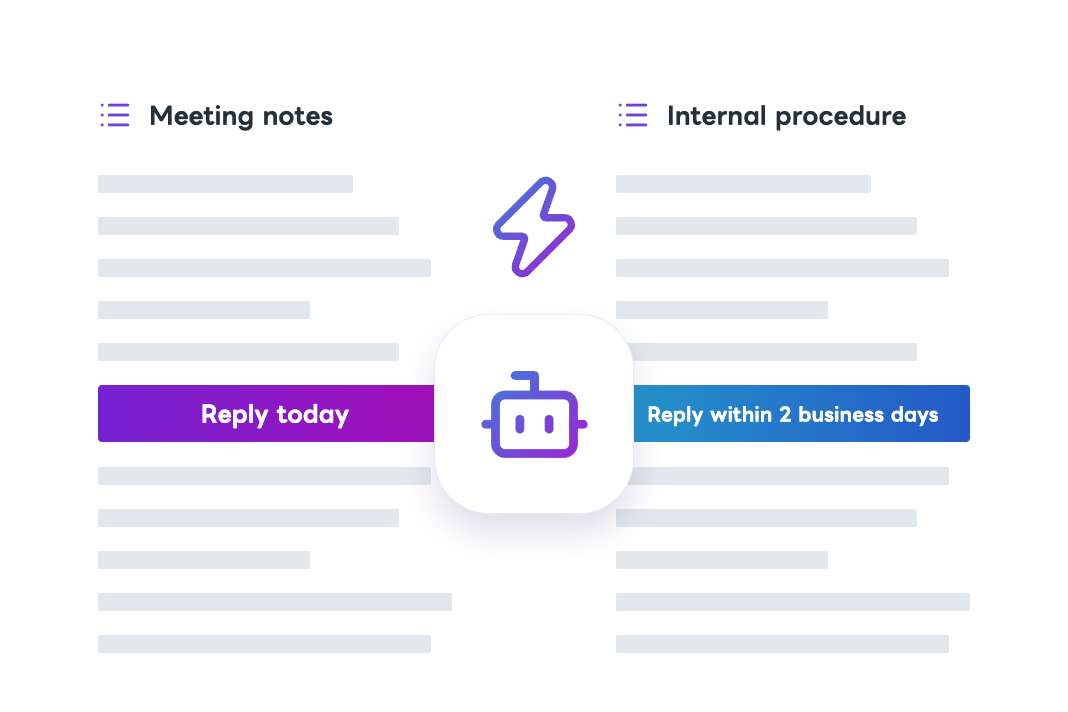
Procedures and FAQs
Detection and correction of conflicting internal information
AI checks whether meeting decisions, procedures, and customer guidance agree. It confirms official decisions and exceptions with the people responsible and prepares revisions. Following approval, it updates documents, shares them with the relevant people, and verifies that the changes are reflected.
Customer support
First response to after-hours inquiries
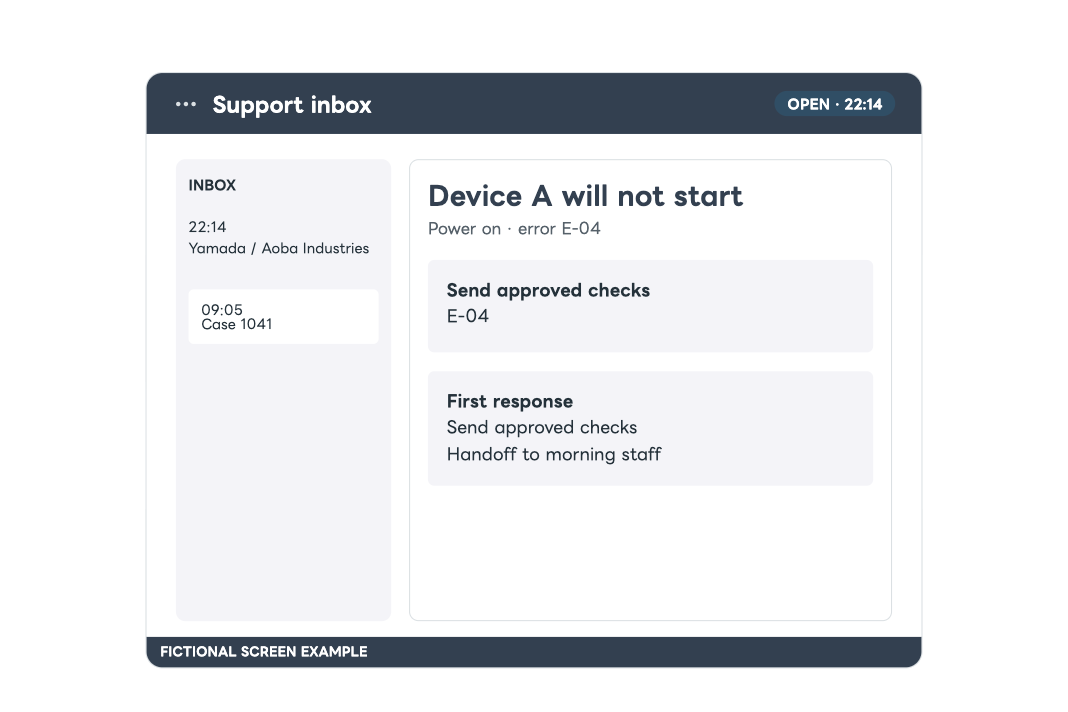
Review an inquiry received after hours against response rules and earlier cases. Prepare a reply within the permitted scope and hand uncertain cases to staff with the findings.