
Examples of work agentic AI can automate 6 of 7
Completing expense applications before approval
A fictional employee submits a ¥8,640 travel expense. The receipt is attached, but the visit destination and project code are missing. AI asks for the missing information and prepares the packet for an approver.
All companies, people, amounts, times, records and screens here are fictional illustrations, not customer evidence or a claim of deployed features.
01 / Trigger
The information the team first sees
Illustrative workflow screen
Business travel · ¥8,640
- Applicant
- Mori / Sales (fictional)
- Attachment
- One receipt · date and amount checked
- Missing
- Visit destination / project code
Name, team, amount, request number and receipt are fictional.
02 / Manual workflow
Explain the gap and track the applicant's reply
Before approval, staff compare the form, receipt and expense policy. They tell the applicant exactly what is missing, follow up and recheck the application after the reply.
Compare request and evidence
Check the ¥8,640 amount and date against the receipt and identify required policy fields.
Ask for missing fields
Ask for destination and project code; do not guess and track the pending reply.
Prepare the approval packet
Bundle the reply, receipt and policy comparison for the approver.
03 / AI workflow
AI gathers missing details; a person decides approval
On submission, AI checks required fields and evidence. If details are missing, it asks the applicant and waits, then resumes after the reply. It may explain policy fit but does not approve or deny.
Find gaps
Extract missing fields and inconsistencies from form, receipt and policy.
Ask and resume
Ask for destination and project code; attach the reply and recheck.
Present to approver
Present evidence, policy, applicant's answer and any unresolved issues together.
Here the applicant supplies the destination and project code, completing the required fields. AI passes the checks and receipt to the approver, who considers purpose and reasonableness and then approves or denies.
04 / Information flow
From application to completed approval packet
Processing pauses while waiting for the applicant and resumes on their reply.
Sources
Expense form
Receipt
Expense policy
Check · decide · act
1Check fields and evidence
2Ask applicant about gaps
3Recheck after reply
Records and recipients
Application record
Human approval or denial
05 / Checks and exceptions
Keep completeness separate from approval
Verify the result
After the reply, AI reads back required fields, amount and date against the receipt. It records the applicant's answer and policy reference for the approver.
The approver judges whether the expense is appropriate. A complete packet does not constitute approval.
When to pause and hand off
If the receipt conflicts, policy needs interpretation or no reply arrives, AI pauses and shows the discrepancy or wait state to staff.
Give approvers a decision-ready request
Gathering missing fields and tracking replies lets approvers review evidence, policy and purpose together. Measure returns and wait time to assess the effect.
Start with one travel-expense category and explicit required fields. Define when ambiguous policy or exceptions go to a person.
Talk about your workflowExplore other use cases
View more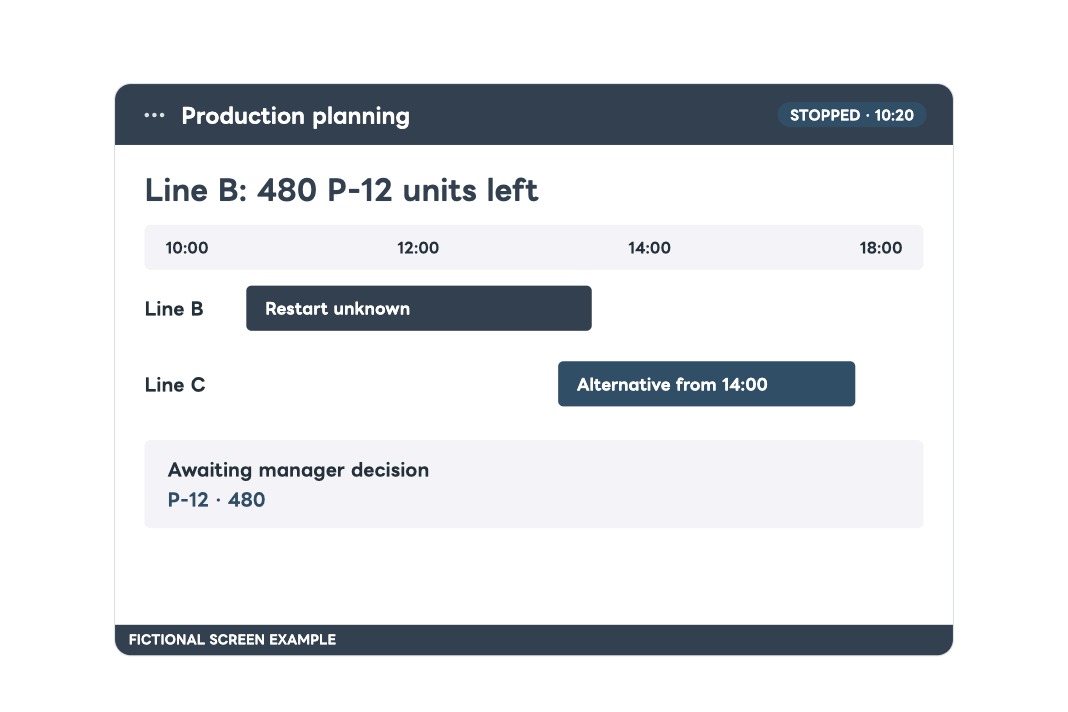
Production planning
Adjusting production lines and delivery dates after equipment stops
After equipment downtime, compare orders and line capacity, prepare alternatives and delivery impact, then notify stakeholders once a manager decides.
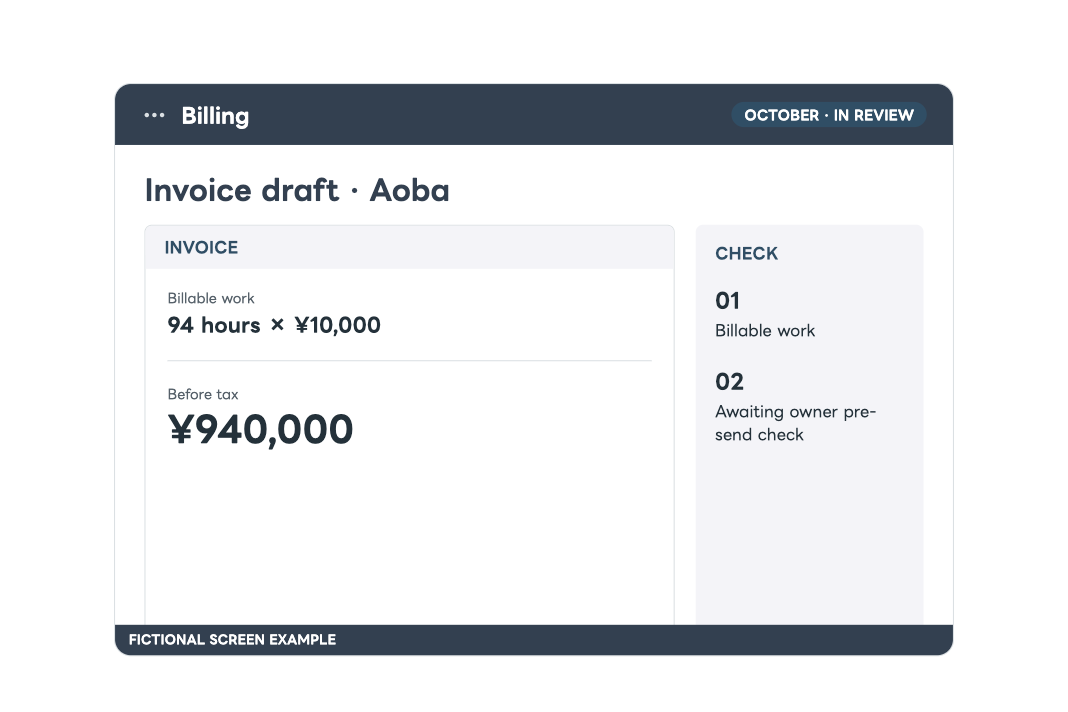
Billing operations
AI prepares monthly invoices and sends them after human checks
Aggregate work records, confirm work with staff, check the contract and draft an invoice. A separate owner checks the amount and recipient before AI sends and records it.